Why Clicking Pop-Ups & Ads Can Be Super Risky: What You Need to Know
In the world of online browsing, not all pop-ups or ads are harmless. Cybercriminals are increasingly using them as weapons to deliver malware, steal data, or trick you into doing something dangerous — so vigilance is more important than ever.
11/15/25
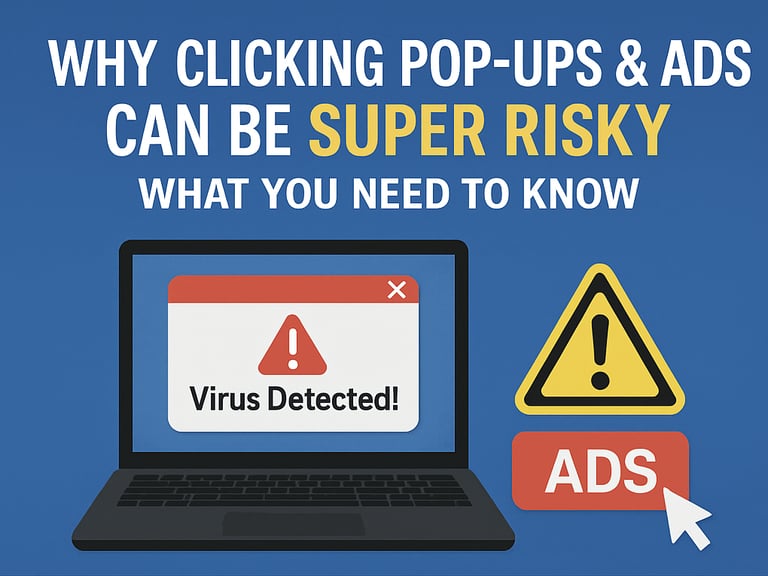
Why Clicking Pop-Ups & Ads Can Be Super Risky:
What You Need to Know
In the world of online browsing, not all pop-ups or ads are harmless. Cybercriminals are increasingly using them as weapons to deliver malware, steal data, or trick you into doing something dangerous — so vigilance is more important than ever.
🛑 The Latest Threats You Should Be Aware Of
ClickFix Scams Are Evolving
Security experts have warned that ClickFix attacks are making a comeback — and they’re more sophisticated. These scams often present a fake “system problem” or verification request and prompt you to copy-paste commands into your computer, which then installs malware. TechRadar+1Malvertising Is Still Prevalent
Attackers are using malicious ads (called malvertising) to spread malware via browsing. These ads can appear on legitimate sites or in search engine results, and when clicked, they redirect users to dangerous pages or trigger harmful downloads. Sophos News+1Fake Verification & Pop-Up Tactics
Some scams abuse browser behavior itself. For example, a newly reported browser phishing exploitation technique (a “fullscreen browser-in-the-middle” attack) can make malicious pop-ups look like real login windows. Infosecurity MagazineHijacked Ads to Distribute Malware
Cybercriminals are buying up ads that impersonate trusted software platforms (like Microsoft Teams) to deliver malware through seemingly innocent links. IT Pro
✅ How to Protect Yourself from These Types of Attacks
Don’t Trust Every Pop-Up
If a pop-up warns you about a “virus” or “system issue,” don’t immediately click anything. Close the browser tab or window instead.
Never copy-paste commands into your terminal or command prompt unless you’re 100% certain of the source.
Be Wary of Ads, Even on Trusted Sites
Hover your mouse (or long-press on mobile) over an ad to check the real destination URL before you click.
Avoid downloading software from pop-up ads — go directly to the official website instead.
Use Security Tools
Install a trustworthy ad blocker (e.g., uBlock Origin) and anti-tracking browser extensions. Heyzine
Use a browser that helps block malicious pop-ups. Enable built-in pop-up protection.
Keep Everything Updated
Make sure your browser, operating system, and security software are all current. Updates often patch vulnerabilities that these attacks exploit.
Learn to Recognize Scams
Familiarize yourself with common social engineering tactics (like fake “fix your computer” pop-ups).
Train yourself (or your team) to stop and think before responding to urgent warnings or “verification” prompts.
Why This Matters for Everyone
Malvertising and pop-up based scams are low-effort but high-impact tools for attackers — and they rely heavily on tricking people, not just exploiting software. By staying alert, using smart browser habits, and relying on good security tools, you can dramatically reduce your risk of infection or data theft.
Bottom Line: Don’t be fooled by “system alerts” or ads that sound too good to be true. Close suspicious pop-ups, double-check links, and stick to trusted sources — your digital safety depends on it.