Track Your Company Paid Time Off Vaction Hours (PTO) With Confidence
A simple web app to track and manage your company’s allotted vacation hours
from any device, anytime.
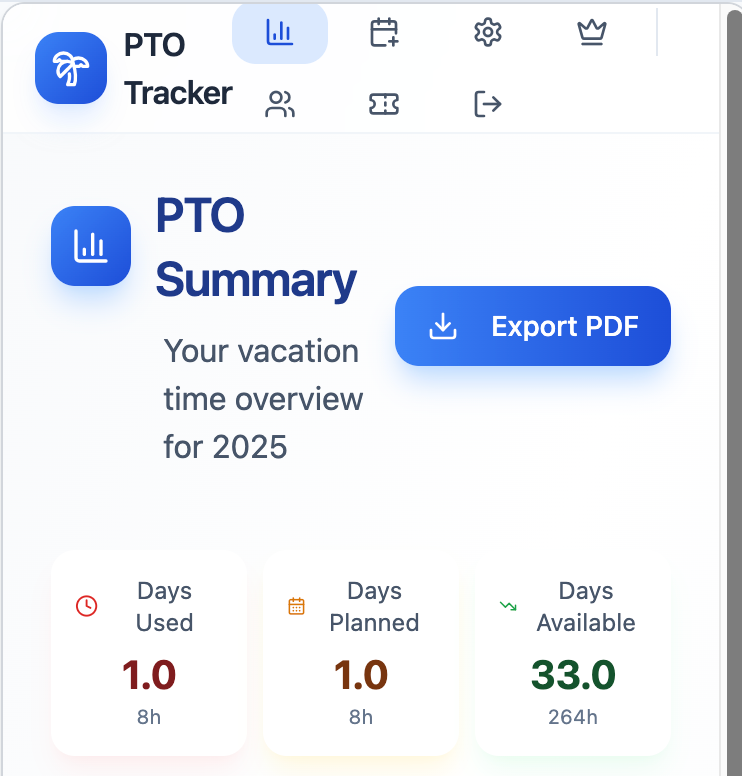
PTO Summary
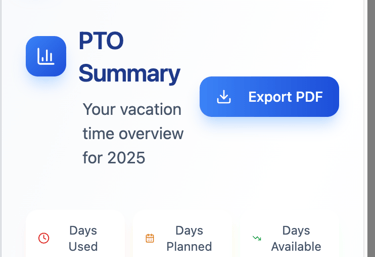
The PTO Summary page provides a clear, at-a-glance view of your vacation time for the selected year. Users can instantly see days used, days planned, and remaining available time, all converted into both days and hours for clarity. A one-click Export PDF option allows easy sharing or record-keeping. Designed for simplicity and accessibility, the dashboard works seamlessly across devices.
PTO Usage
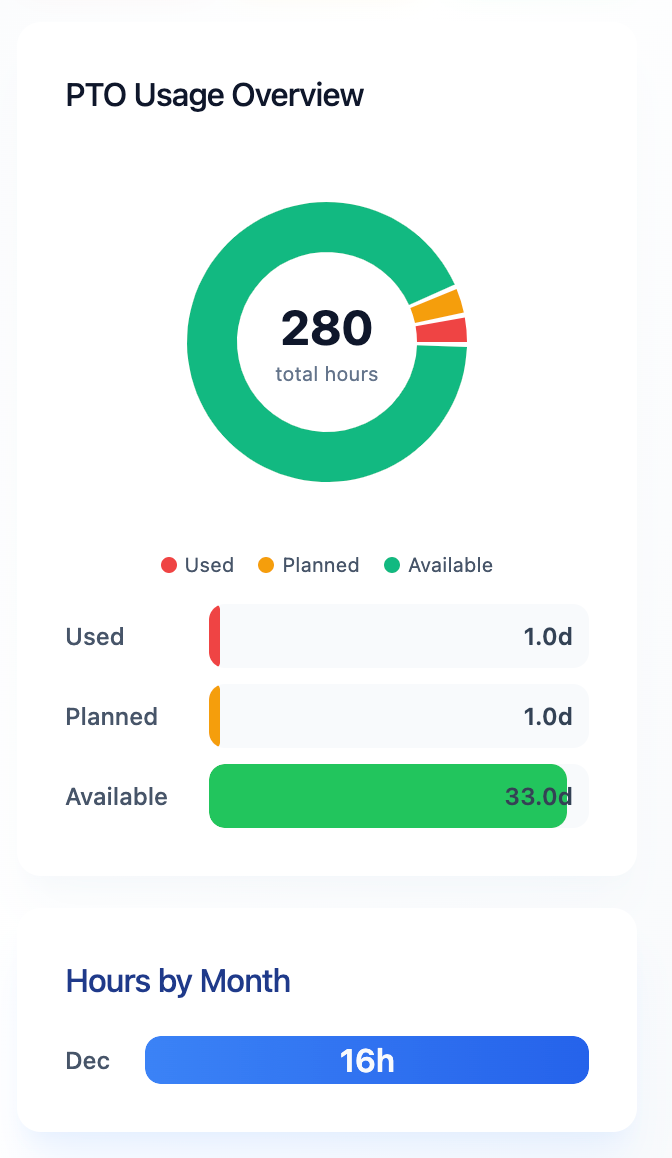
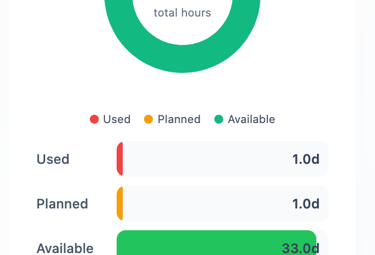
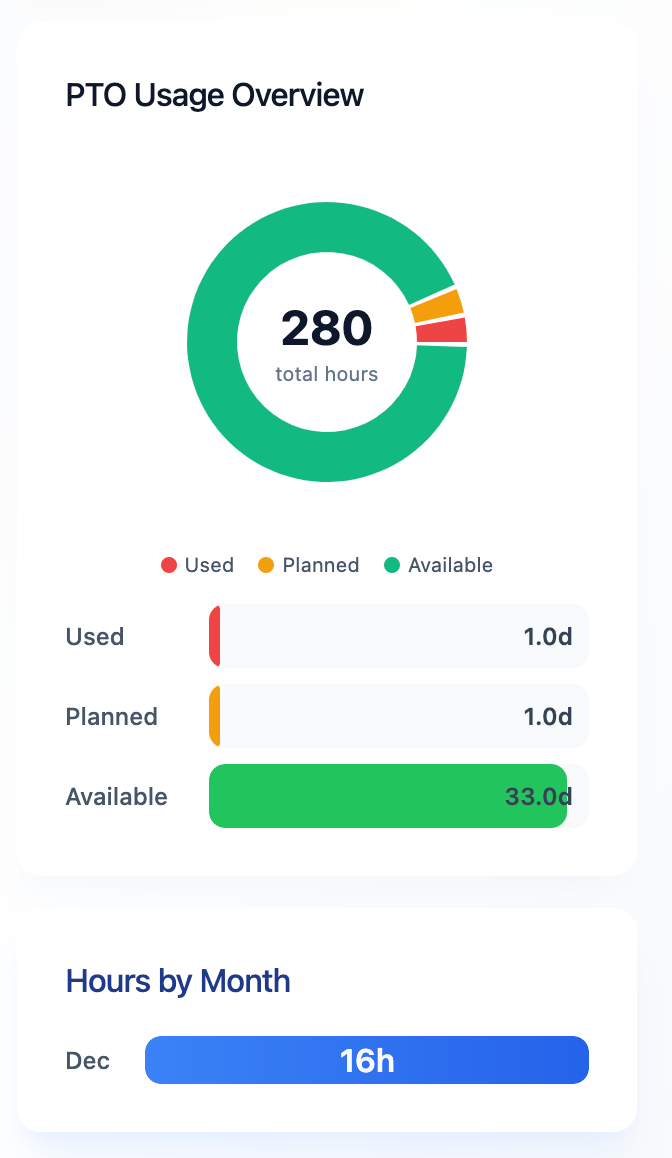
This section provides a visual breakdown of total allotted PTO hours, clearly showing how time is used, planned, and still available. The circular chart highlights overall balance at a glance, while the detailed bars below display each category in days for easy comparison. A monthly breakdown further shows how PTO hours are distributed throughout the year, helping users plan time off more effectively.
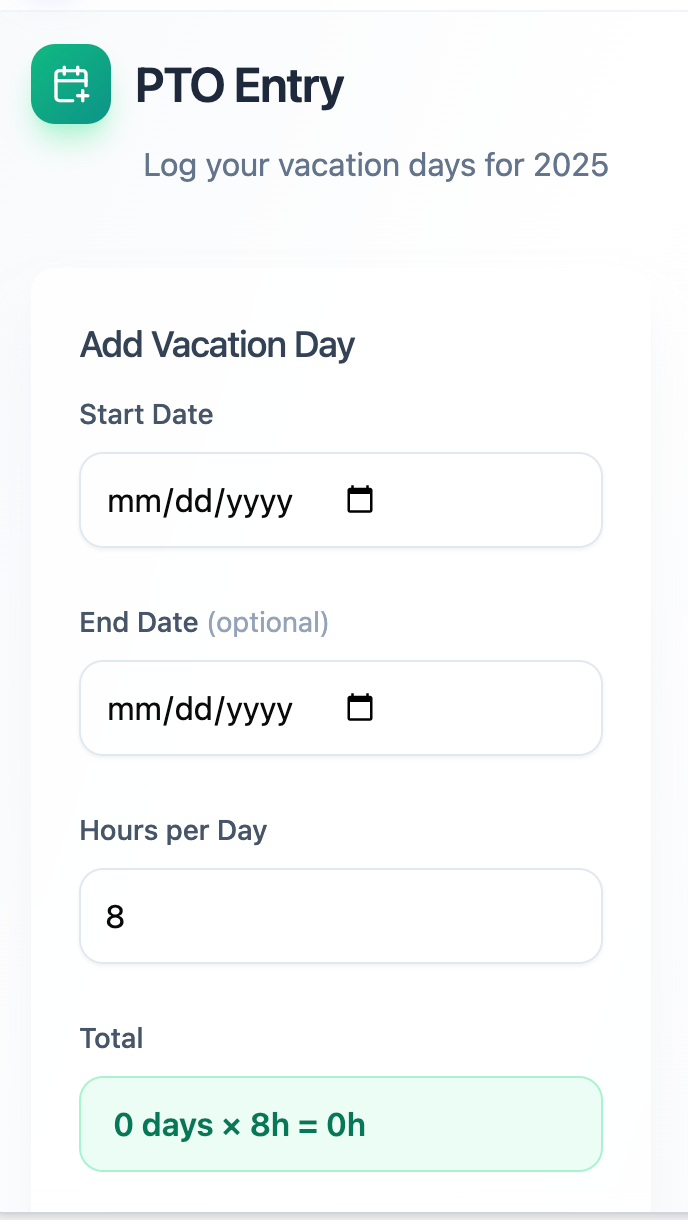
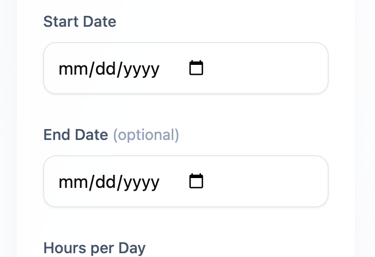
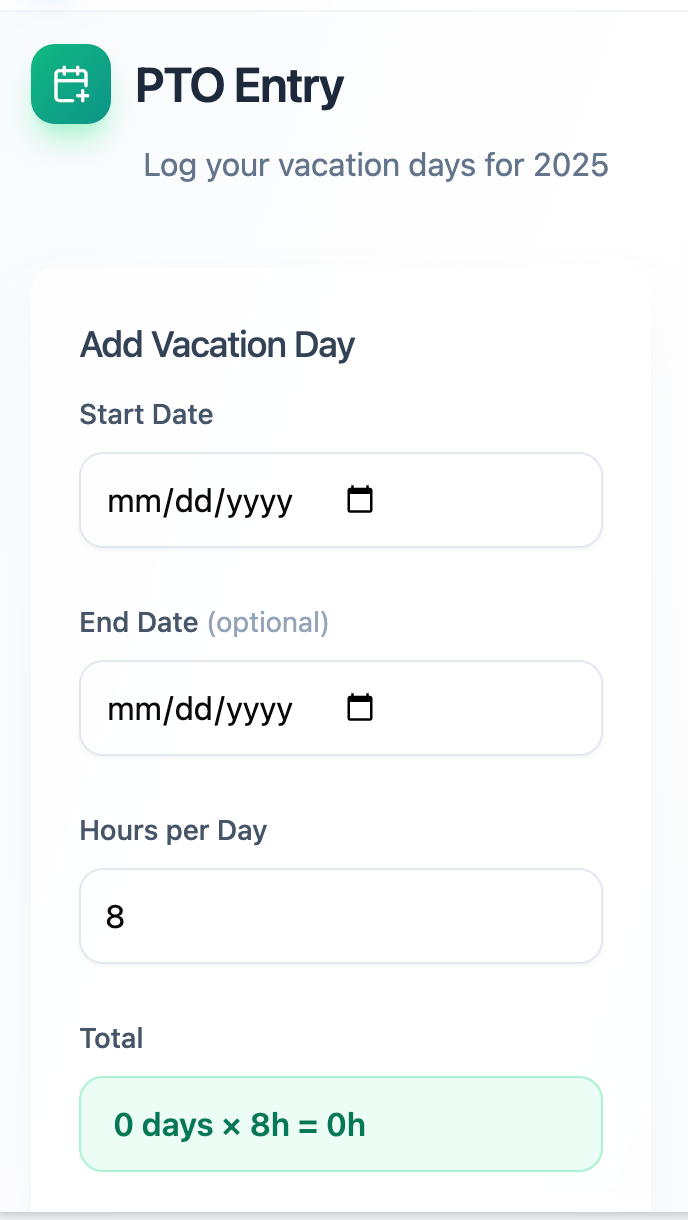
The PTO Entry page allows users to quickly log vacation time for the selected year. Simply choose a start date, optionally add an end date for multi-day time off, and set hours per day. The app automatically calculates the total days and hours, making it easy to track PTO accurately with minimal effort.
PTO Entry
Data Table & Backup
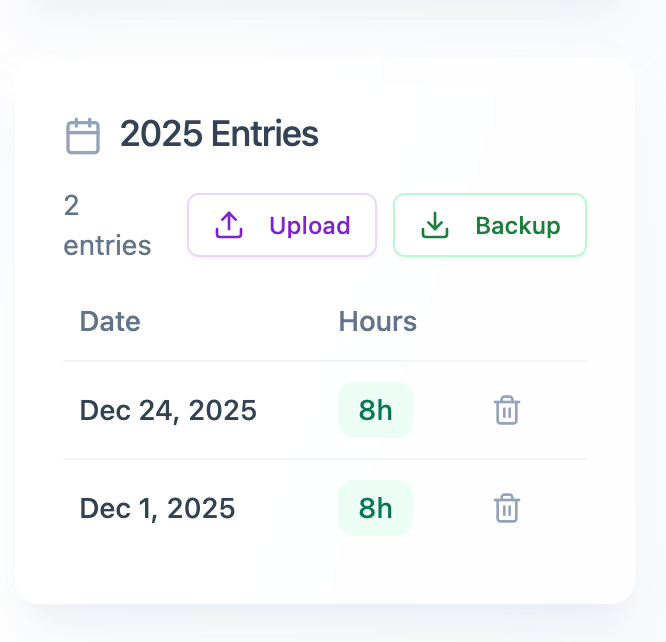
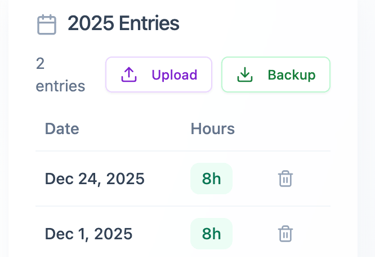
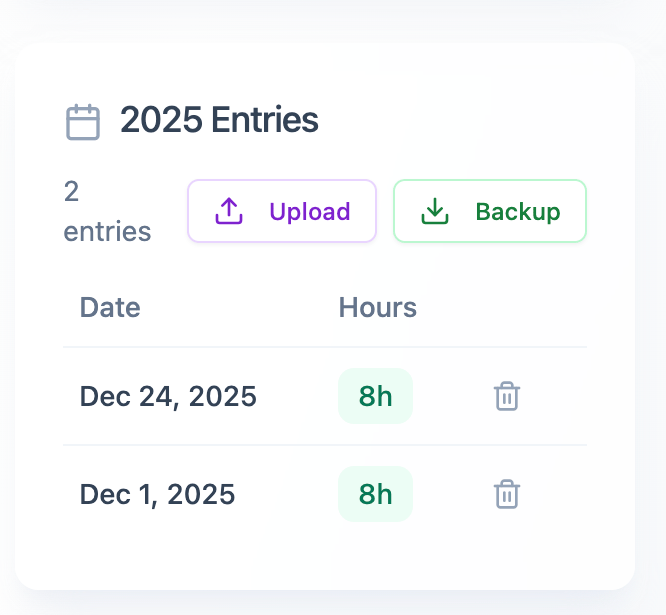
The PTO entries dashboard displays a list of logged time-off requests, and the option to Backup CSV or Upload CSV. The page is organized into three main sections:
Header & Actions: Shows the total count (entries) alongside two primary buttons: Upload and Backup.
Data Table: A simple list showing specific dates and the associated hours (8h) for each entry.
Controls: Each entry includes a trash icon for quick deletion.
Hours Allocation
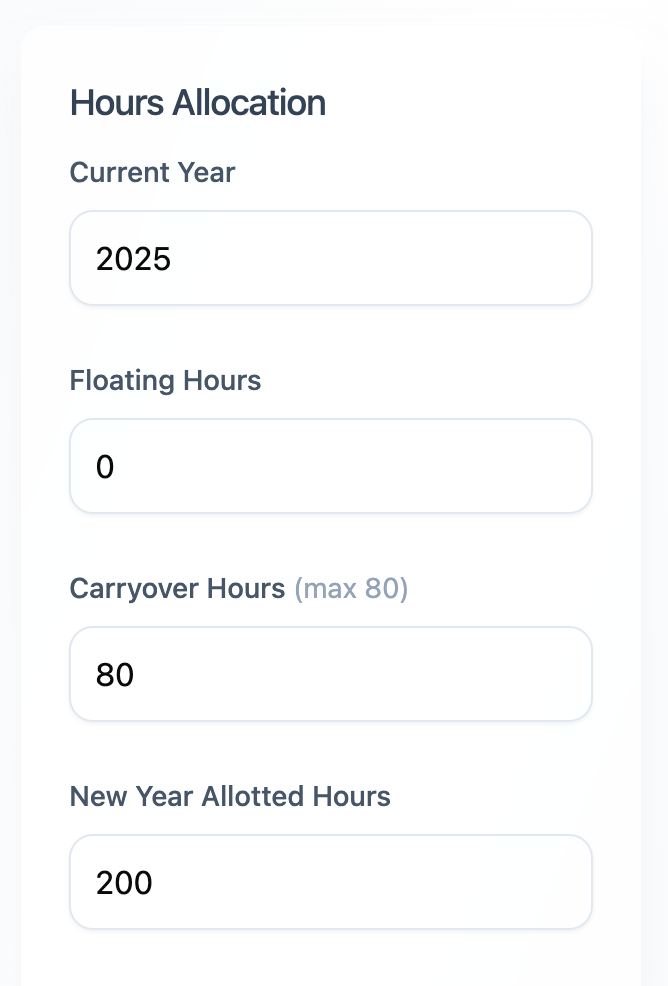
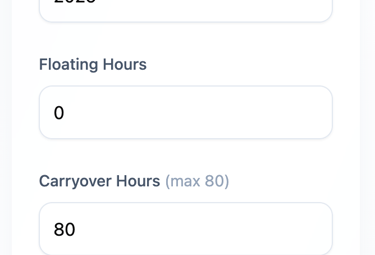
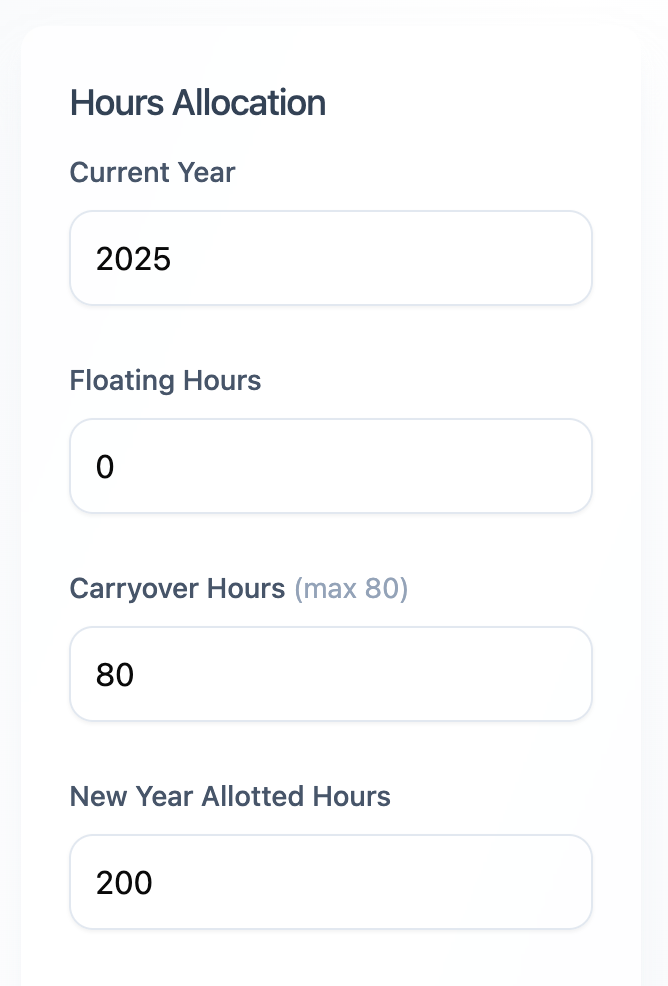
The Hours Allocation settings panel for the PTO management system, features four clearly labeled input fields that allow for precise control over annual time-off parameters:
Current Year: Displays 2025, indicating the specific tracking period.
Floating Hours: Additional time allotted if any.
Carryover Hours: Displays 80 hours, with a helpful "(max 80)" inline guide to assist with policy compliance.
New Year Allotted Hours: Displays 200, representing the base entitlement for the upcoming year.
Our projects
Provide a short summary of your recent projects, highlighting the most important things.
PTO Summary
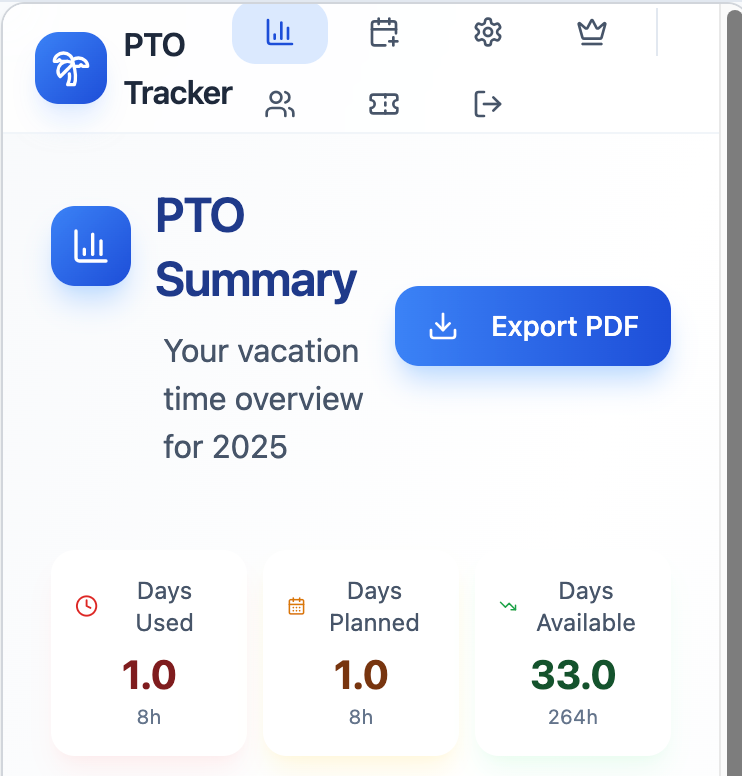
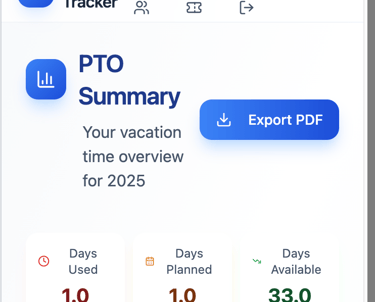
The PTO Summary page provides a clear, at-a-glance view of your vacation time for the selected year. Users can instantly see days used, days planned, and remaining available time, all converted into both days and hours for clarity. A one-click Export PDF option allows easy sharing or record-keeping. Designed for simplicity and accessibility, the dashboard works seamlessly across devices.
PTO Usage
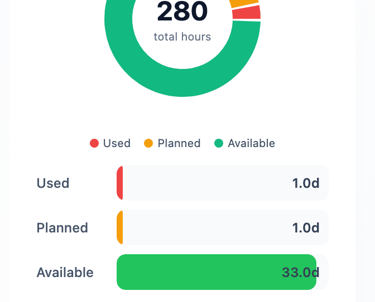
This section provides a visual breakdown of total allotted PTO hours, clearly showing how time is used, planned, and still available. The circular chart highlights overall balance at a glance, while the detailed bars below display each category in days for easy comparison. A monthly breakdown further shows how PTO hours are distributed throughout the year, helping users plan time off more effectively.
PTO Entry
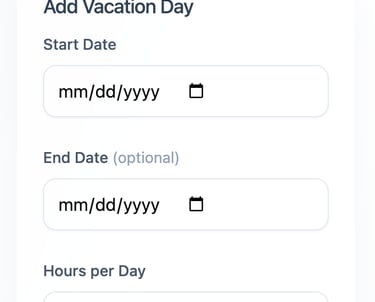
The PTO Entry page allows users to quickly log vacation time for the selected year. Simply choose a start date, optionally add an end date for multi-day time off, and set hours per day. The app automatically calculates the total days and hours, making it easy to track PTO accurately with minimal effort.
Data Table & Backup
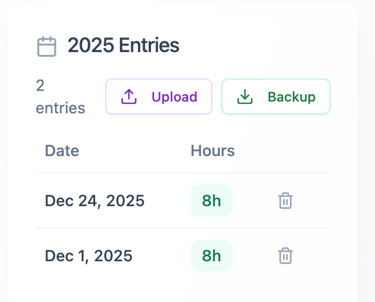
The PTO entries dashboard displays a list of logged time-off requests, and the option to Backup CSV or Upload CSV. The page is organized into three main sections:
Header & Actions: Shows the total count (entries) alongside two primary buttons: Upload and Backup.
Data Table: A simple list showing specific dates and the associated hours (8h) for each entry.
Controls: Each entry includes a trash icon for quick deletion.
Hours Allocation
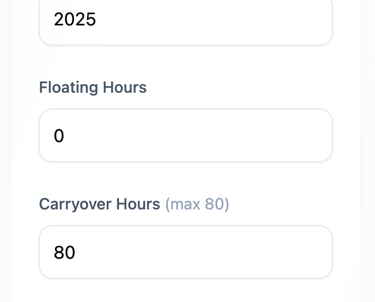
The Hours Allocation settings panel for the PTO management system, features four clearly labeled input fields that allow for precise control over annual time-off parameters:
Current Year: Displays 2025, indicating the specific tracking period.
Floating Hours: Additional time allotted if any.
Carryover Hours: Displays 80 hours, with a helpful "(max 80)" inline guide to assist with policy compliance.
New Year Allotted Hours: Displays 200, representing the base entitlement for the upcoming year.
Everything You Need to Manage PTO
Our comprehensive platform puts you in control of your vacation time with professional-grade tracking tools designed for busy professionals.
Smart Hour Tracking
Input carryover hours, annual accruals, and scheduled days off. The app automatically calculates your available balance in real-time, so you always know where you stand.
Access Anywhere
Seamlessly switch between desktop and mobile. Check your balance during lunch, update scheduled days from your phone, or review reports from your computer—anytime, anywhere.
Secure & Reliable
Your data is protected with enterprise-grade encryption and secure cloud storage. Rest easy knowing your information is safe and always backed up automatically.
Never Lose Hours Again
View at a glance any expiring hours and carryover limits before it's too late.
Carryover Calculations
Automatically tracks company carryover policies and shows exactly how many hours transfer to next year.
Use-It or Lose-it
Smart tracking helps you plan vacations strategically to maximize your benefits without losing hard-earned time.
Summary...
FAQs
How do I track PTO?
Just log in from any device and enter your vacation hours easily.
Is my data secure?
Yes, we use secure encryption to keep your PTO info safe and private.
Can I access the tracker on mobile?
Absolutely, the PTO tracker works smoothly on smartphones and tablets, as well as desktops.
Do I need to install software?
No installation needed; just open your browser and start tracking.
Can I export my PTO data?
Yes, you can download your vacation records anytime for your reference.
What if I forget to log a vacation day?
You can easily add missed days later to keep your PTO accurate and up to date.
PTO Tracker Web App Coming Soon
The most powerful PTO Tracker app is launching soon. Join our waiting list to get early access.

Get in touch
Share any questions you may have